

Guide
How to track multiple wallets across EVM, Solana and Bitcoin in one dashboard
If you have been in DeFi for more than a few months, you don’t have one wallet. You have a hardware wallet, a hot wallet, a couple of burner addresses, something on Solana, maybe some Bitcoin. The money is real, but your view of it is scattered across a dozen browser tabs and a spreadsheet you stopped trusting weeks ago.
This guide shows how to track multiple wallets in one dashboard: group every address across EVM, Solana and Bitcoin into a single Net Worth, with nothing to sign.
The problem isn’t your wallets, it’s the scatter
Most active DeFi users end up spread across several chains, and that spread has a cost:
- Token balances sit in one place, lending in another, Liquidity Pool positions in a third, and staked or locked assets somewhere you forgot.
- A spreadsheet is out of date the moment a price moves, and one wrong cell quietly breaks every number below it.
- Wrapped tokens and Liquidity Pool shares make a naive “sum of balances” overstate or hide what you actually hold.
The result is that you can’t answer a simple question, what am I worth right now, without ten minutes of tab-switching and mental math.
Track multiple wallets in one dashboard
The fix is to read every address in one place. You group all your wallets, across EVM, Solana and Bitcoin, into a single view: one Net Worth, one PnL, one list of positions.
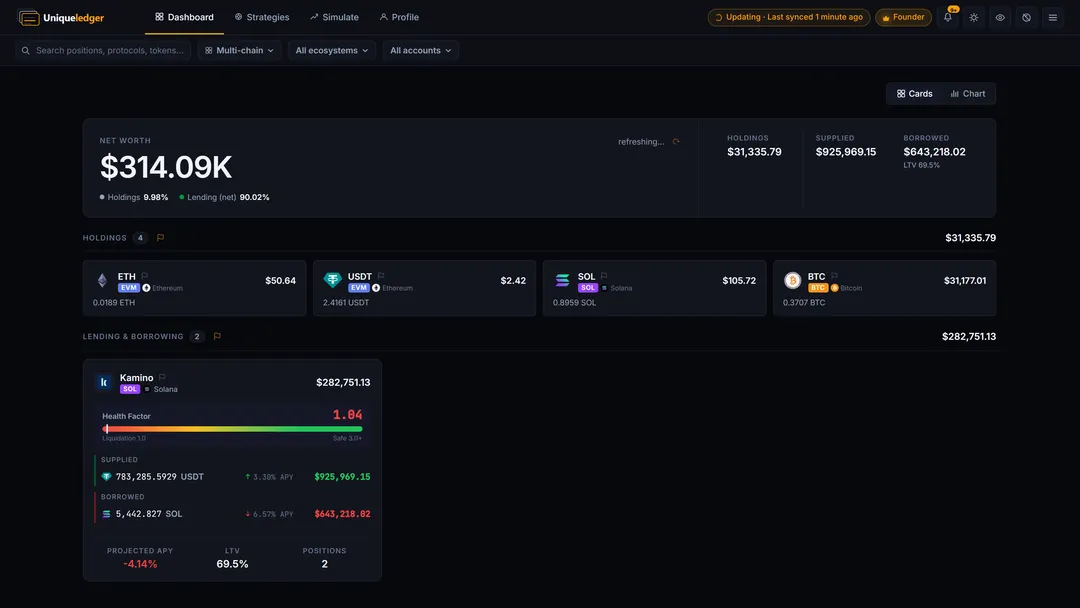
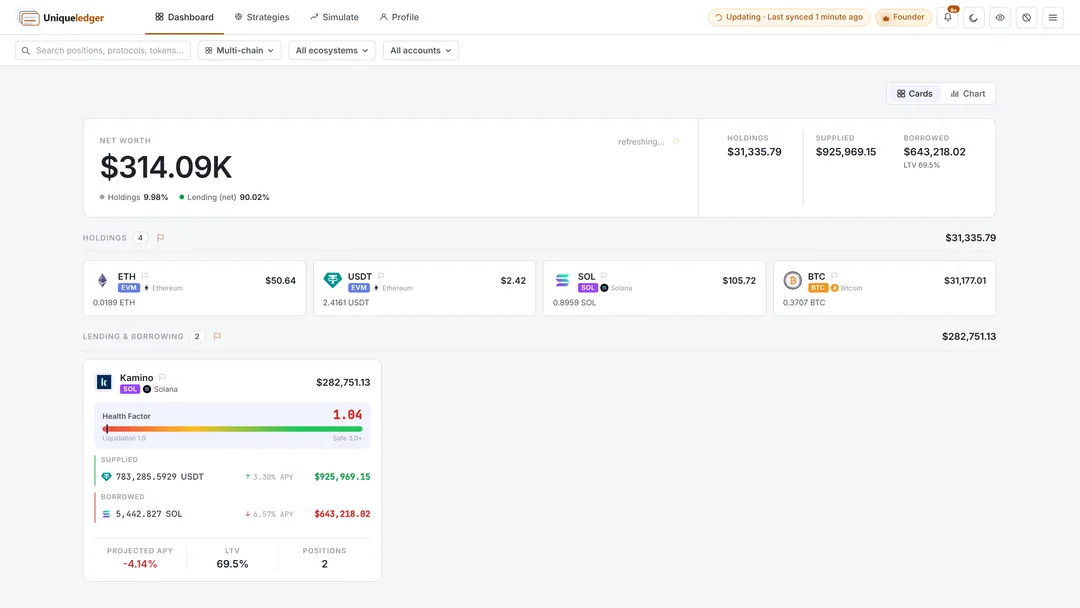
A hardware wallet, a hot wallet and a few burner addresses roll up into one total. You can keep separate groups too: one for long-term holdings, one for active DeFi, one you share with a partner. Each group has its own total, and you switch between them in a click.
See every wallet as one Net Worth →
How to set it up
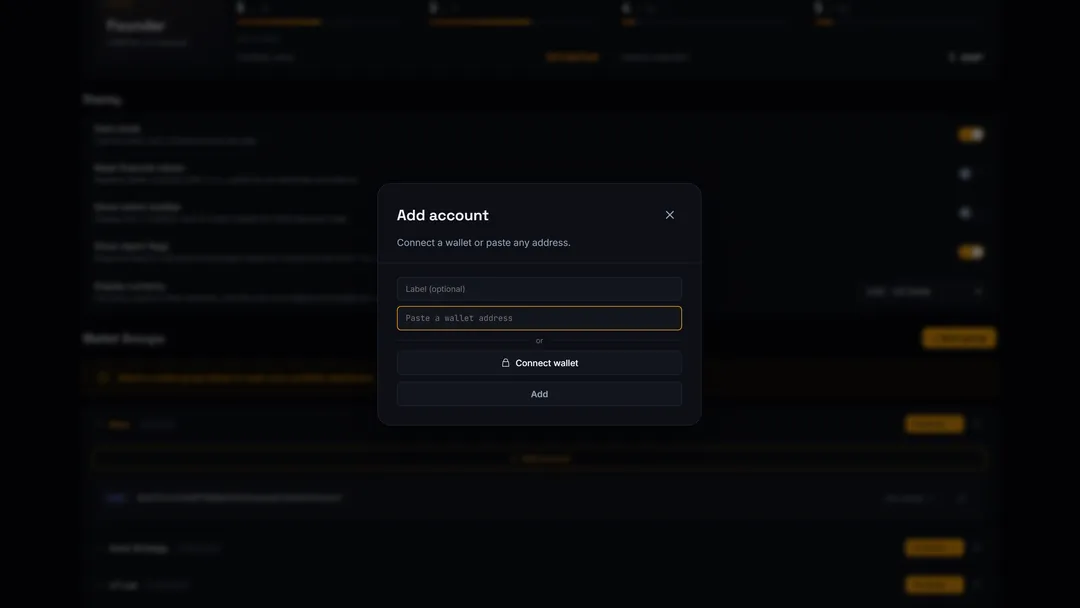
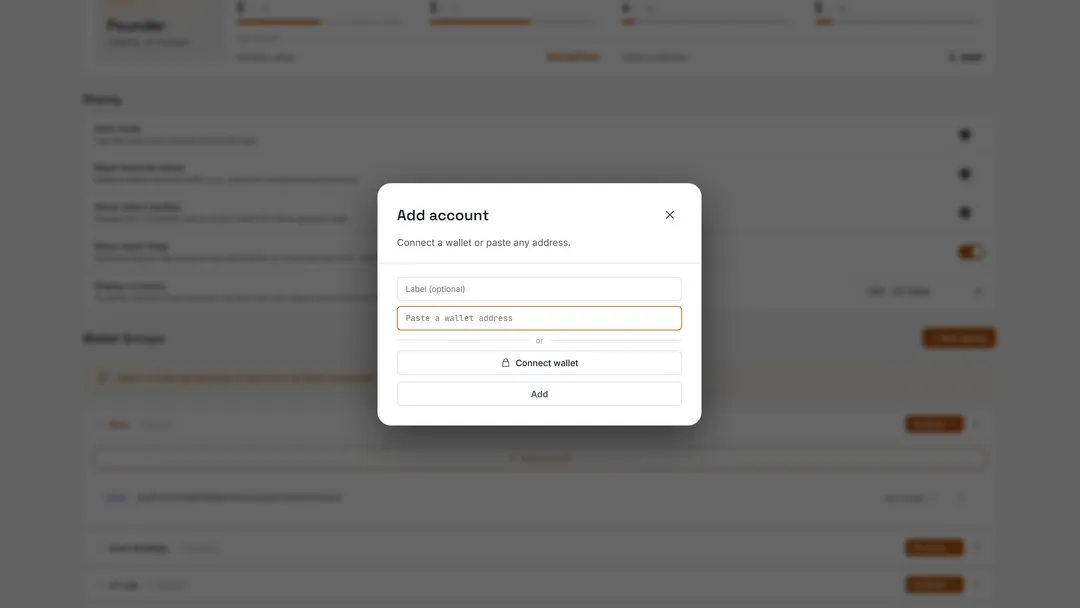
1. Paste an address, or connect a wallet. One dialog handles every ecosystem: paste any EVM, Solana or Bitcoin address and it detects the network for you, or connect a wallet just to read it. There is no signature, no email, and your keys never leave your device.
2. Read every wallet as one portfolio. Add the rest of your addresses the same way, then read them together: Net Worth, positions by protocol, and risk like your Aave Health Factor, all on one screen.
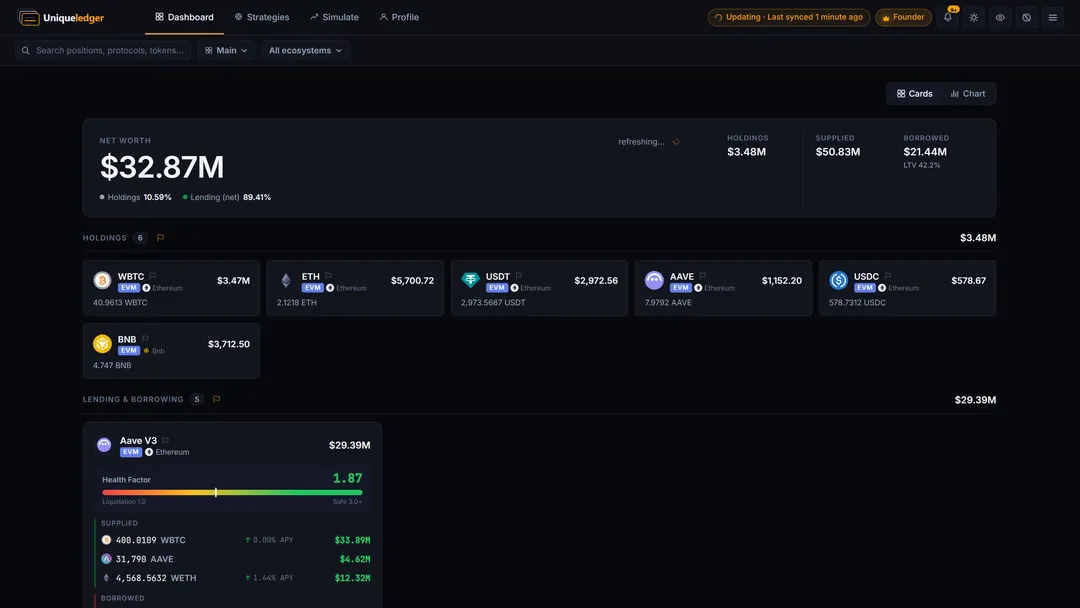
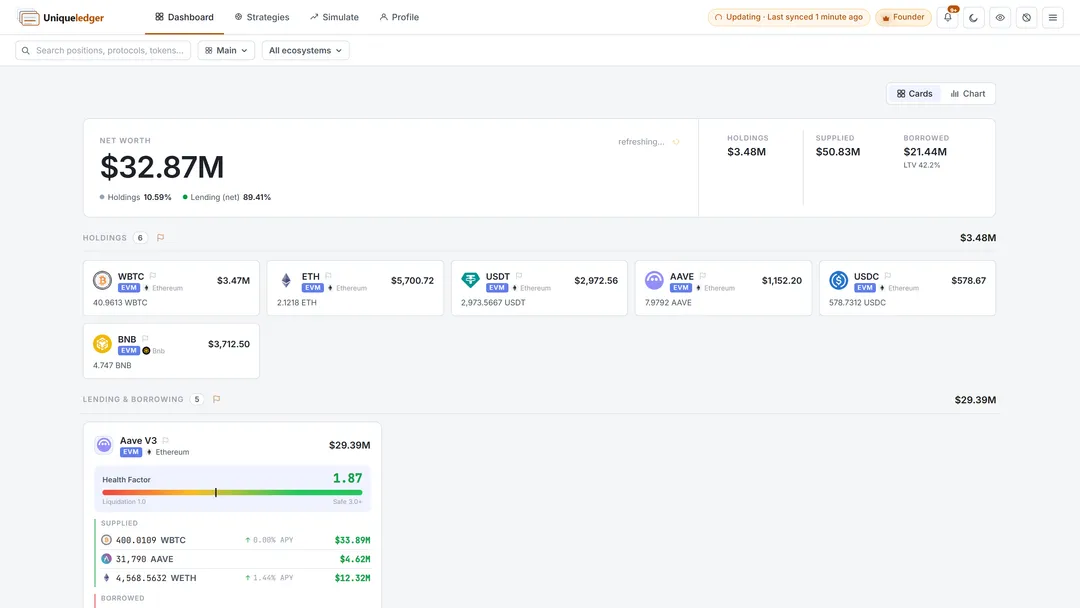
Because you never sign anything, you can also track wallets that aren’t yours: a fund you follow, a strategy you want to learn from, a friend’s public address.