

Guide
Simulate a market move before it happens
The question that actually keeps you up is not “what is my portfolio worth right now”. It is “what happens to me if ETH drops 40%, if yields fall, or if I borrow a bit more”. A DeFi portfolio simulator answers that before the market does. This guide walks through Uniqueledger’s scenario builder step by step: what you can change, what each result shows, and how to use it to plan a move instead of reacting to one.
The problem: you only find out after the move
Prices move while you sleep, and the cost lands all at once. You can guess that a drawdown hurts, but guessing is not a plan. The numbers you care about are spread across chains and positions:
- A 40% drop does not hit every position the same way. Your stablecoins hold, your ETH does not, and your Liquidity Pools sit somewhere in between.
- A yield that halves changes what your positions earn over a month, and that is easy to underestimate when the rate is split across lending, pools and staking.
- A borrow that feels comfortable today can leave very little room before liquidation, and no lending app tells you exactly how much to repay to get back to a Health Factor you trust.
By the time you see the real number, the move has already happened and the choice you could have made is gone.
A DeFi portfolio simulator built on your real positions
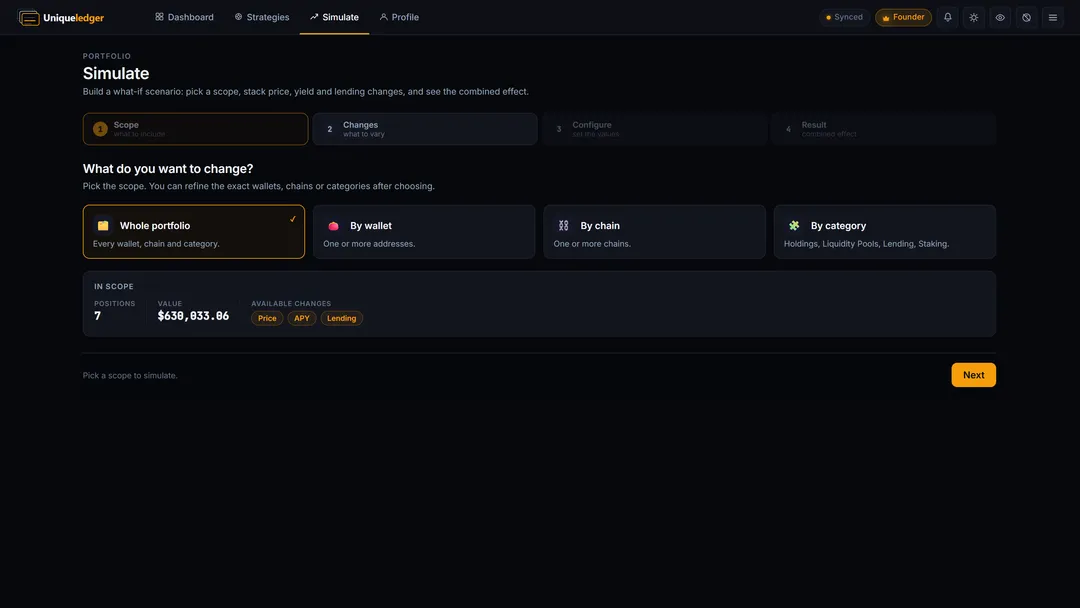
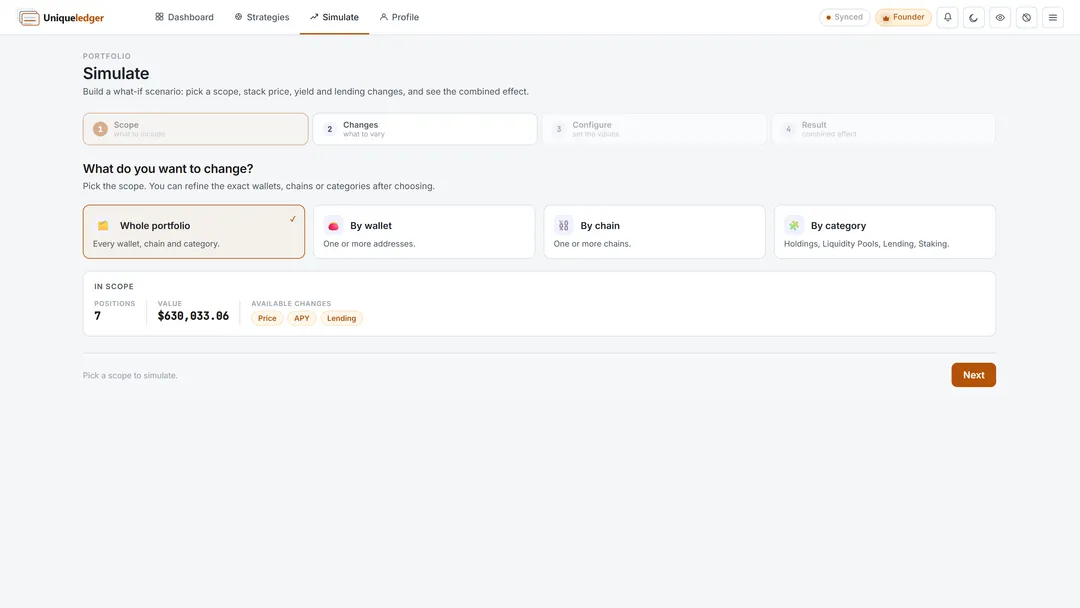
Uniqueledger’s scenario builder starts from the positions it already reads from the chain, across every wallet and ecosystem in the group. You walk through four steps: pick the scope, choose one change, configure it, and read the result. Nothing is executed or saved; it is a what-if on a copy of your portfolio. Nothing to sign, no email, and your keys never leave your device.
See what a 40% drop does to your portfolio →
Step 1: pick the scope
Start with the whole portfolio, or narrow it down: by wallet to one or more addresses, by chain to one or more chains, or by category to holdings, Liquidity Pools, lending or staking. A summary shows how many positions are in scope, their total value, and which kinds of change are available for them. A scope with no lending positions, for example, does not offer a lending change.
Step 2: choose one change
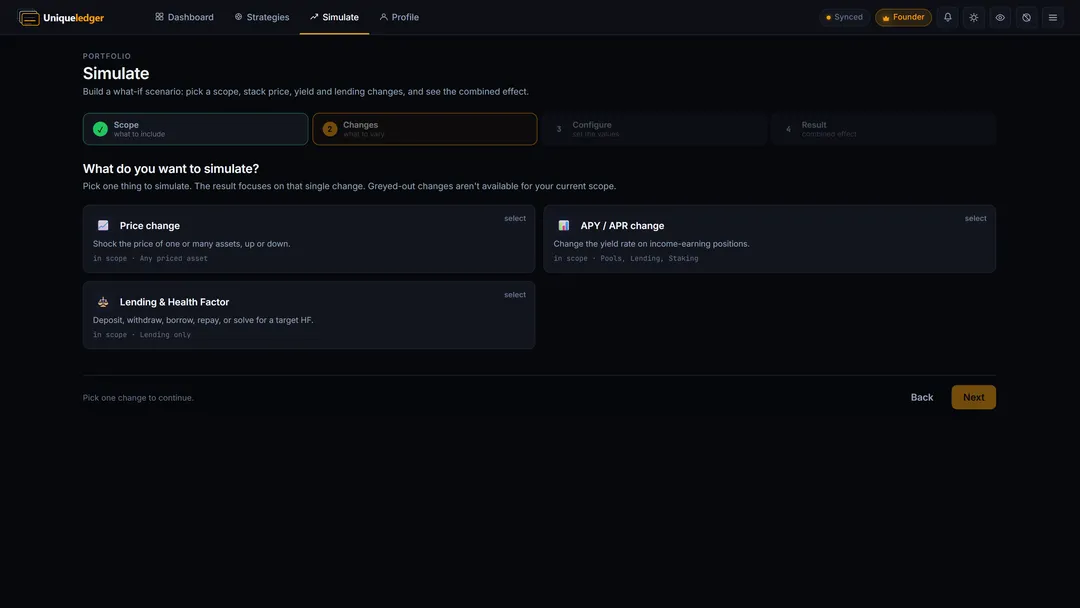
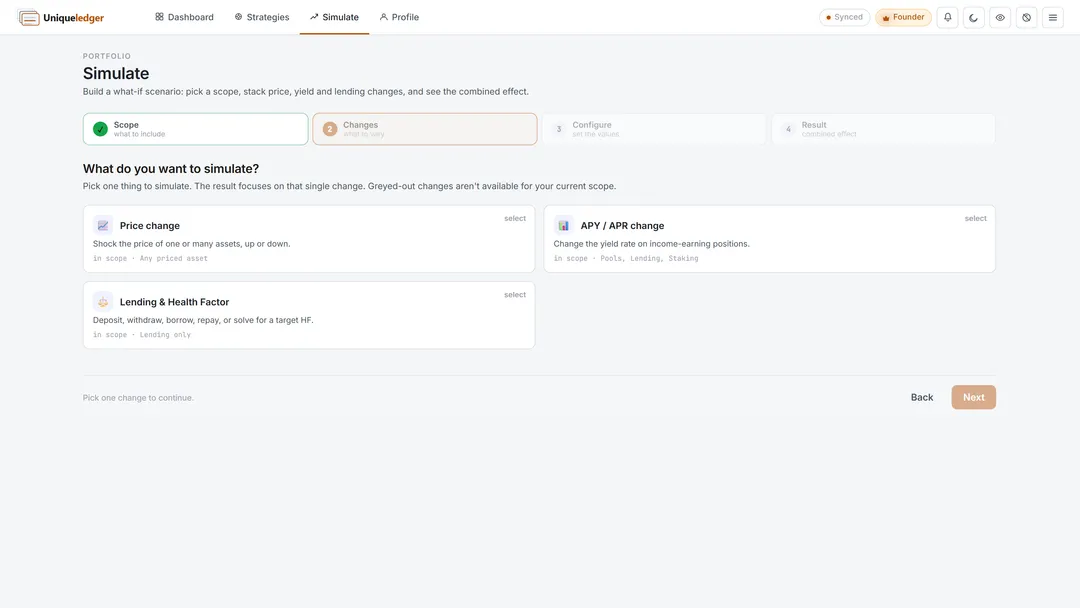
You simulate one kind of change at a time, so the result answers one clear question:
- Price change: move the price of one or many assets, up or down.
- APY / APR change: change the yield rate on positions that earn income.
- Lending & Health Factor: deposit, withdraw, borrow or repay, or solve for a target Health Factor.
Price moves: what a crash or a rally does to your Net Worth
Pick a preset or set each token yourself. The presets are a bull market (+40%), a bear market (−40%) and all-time high, which puts every token at its own all-time high price. The all-time high preset is only offered when every token in scope has a known all-time high, so it never mixes real and made-up prices. Each token also has its own slider, so you can drop ETH and leave your stablecoins where they are.
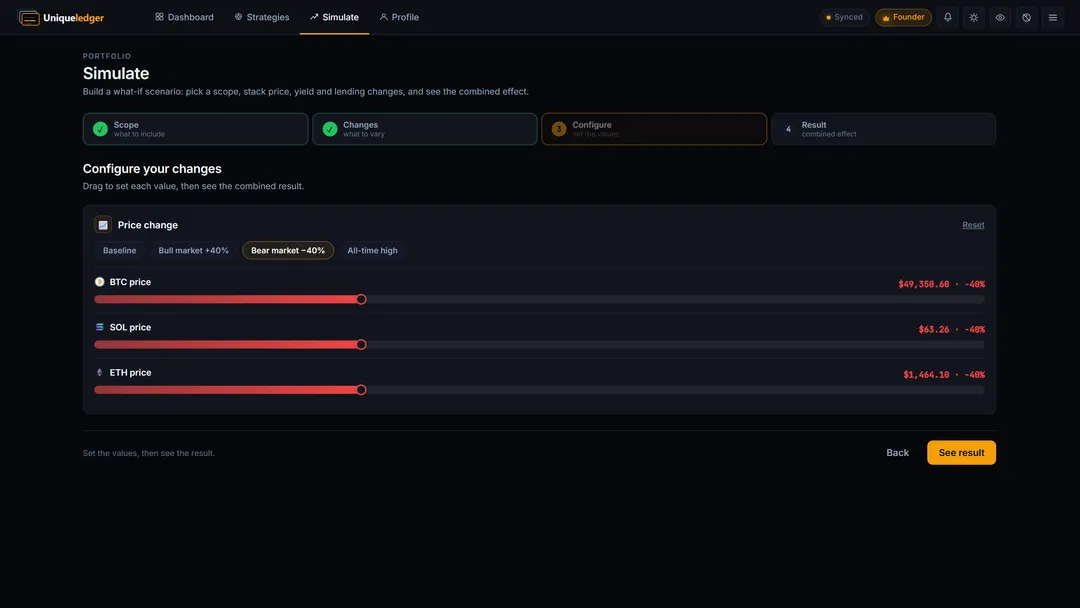
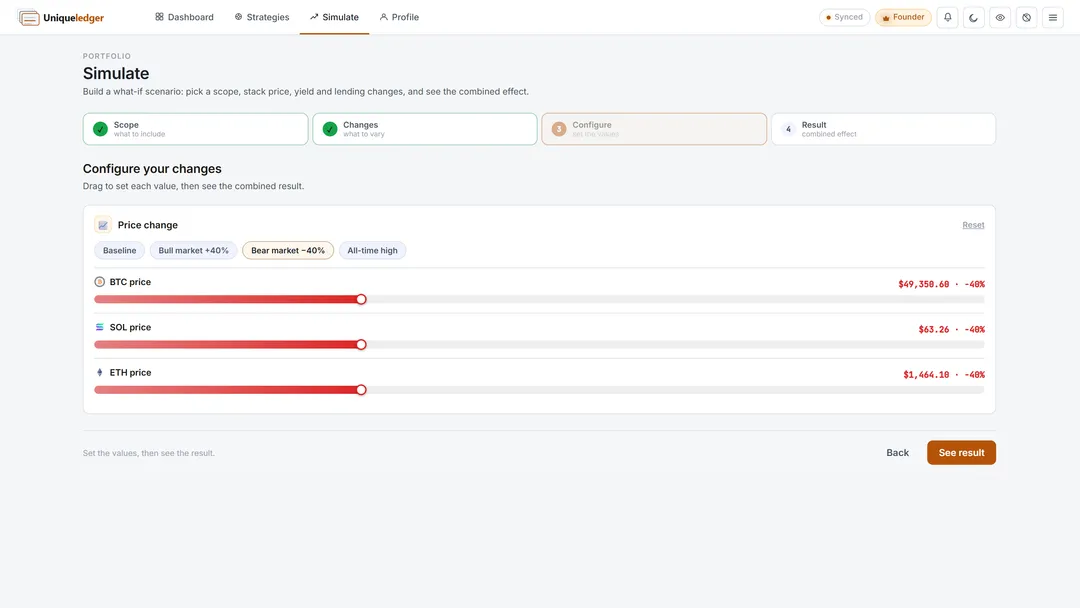
The result shows your Net Worth in scope now and simulated, the change by category, and the revaluation of each token, so you see exactly where the gain or the loss comes from.
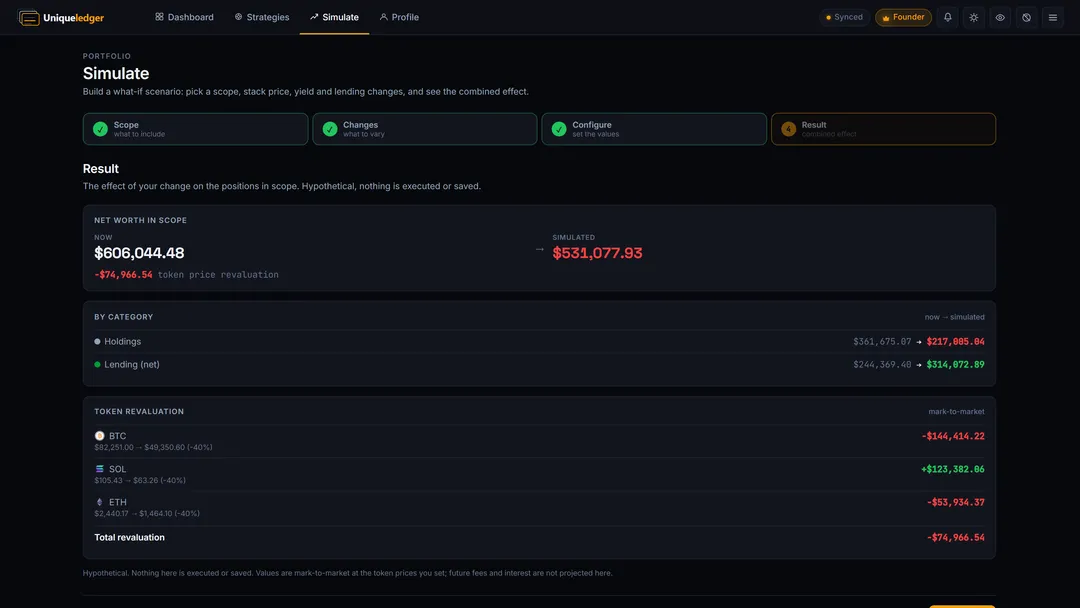
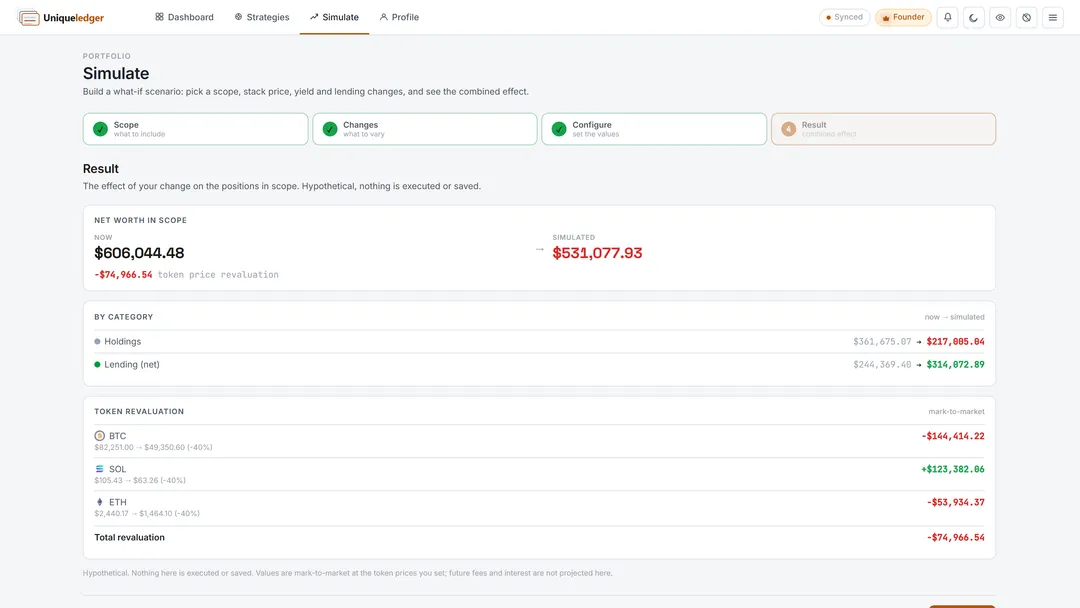
The token view is where the surprises show up. If you borrowed SOL against stablecoins, a crash in SOL shrinks your debt, so that position gains while your SOL holdings lose. A dashboard that only shows the headline number hides that; the token revaluation makes it obvious.
A price move is a pure revaluation: it shows what your positions would be worth at the new prices. To see what a borrow does to your liquidation risk, use the lending change below.
Yield changes: what your positions earn if rates move
Rates do not stay put. The APY / APR change lets you move them at the level you think in: the net rate of a whole category, a single position, or each asset inside a position. Choose the horizon, from one day to one year, and every row shows the income it produces now and with the new rate. A borrow rate counts as a cost, so raising it lowers your income, the way it does in real life.
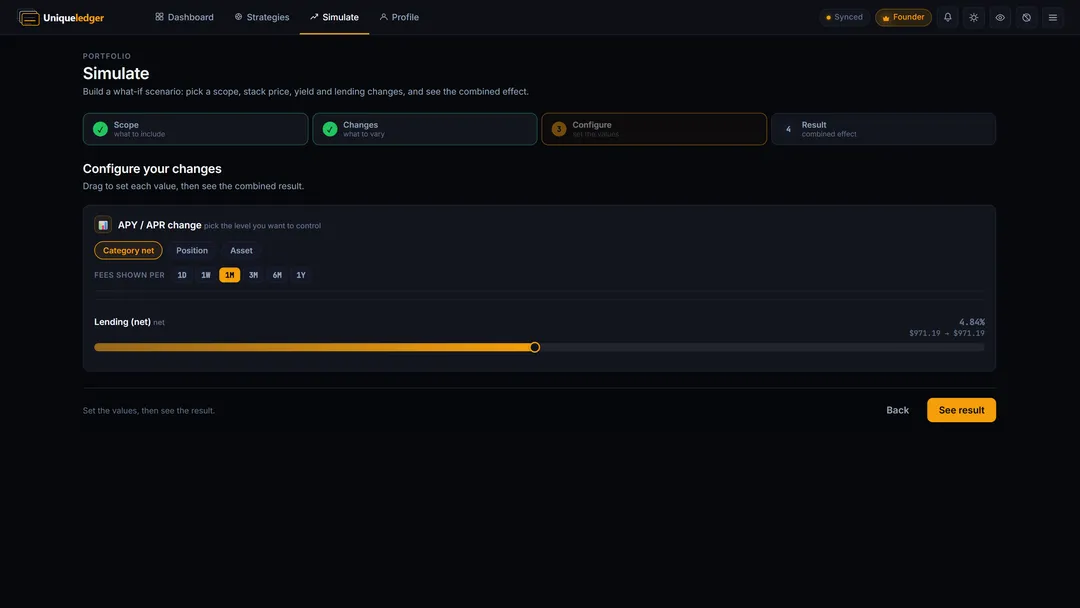
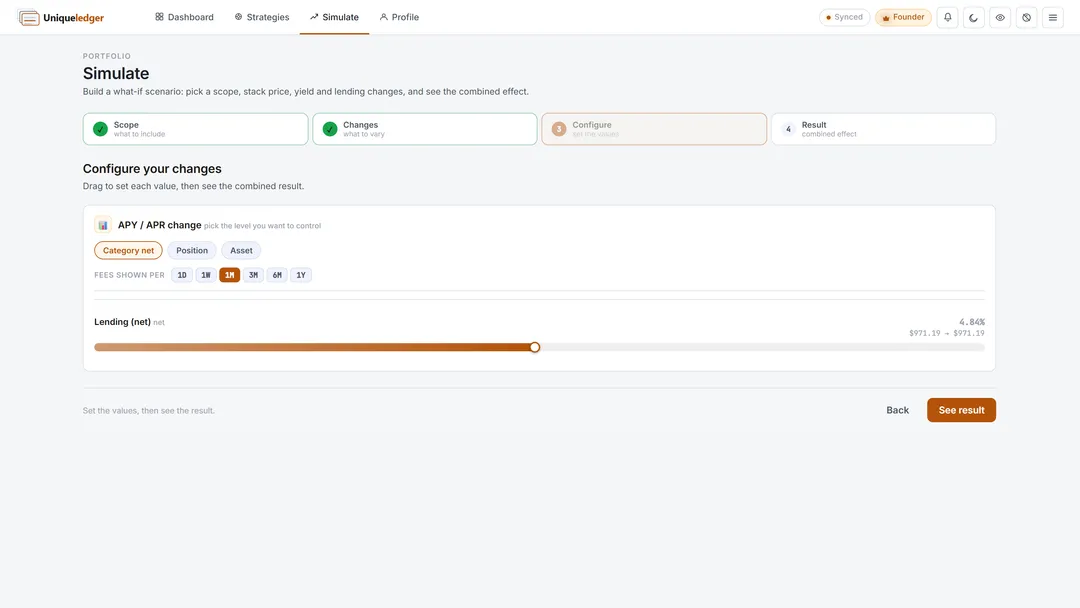
The result is an income table: what each category earns over the horizon now, and what it would earn at the new rates.
Lending and Health Factor: plan the move before you make it
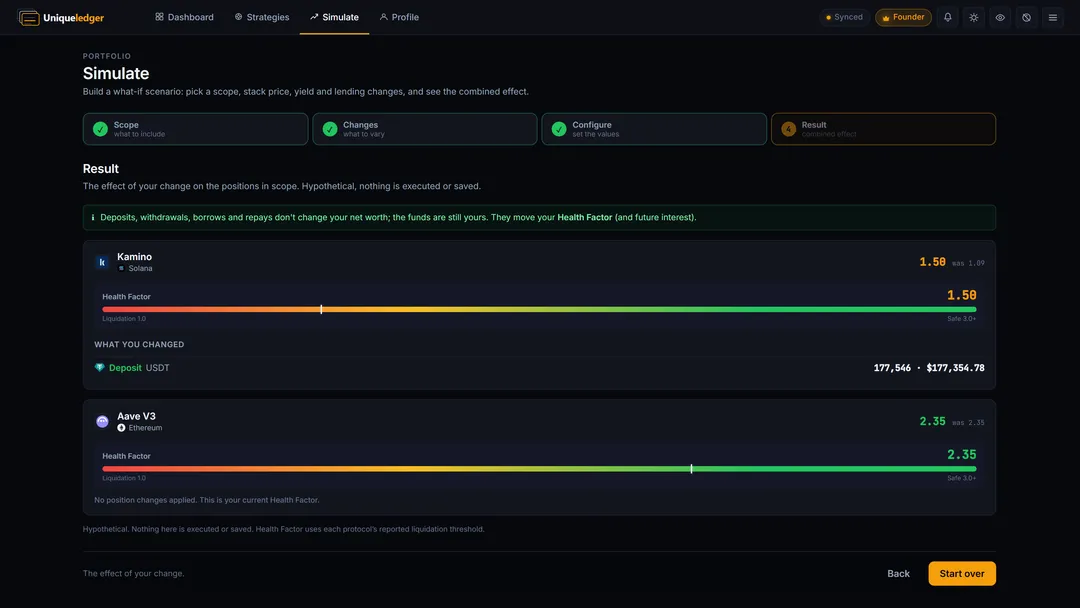
Deposits, withdrawals, borrows and repays do not change your Net Worth, because the funds are still yours. What they change is your Health Factor and the interest you pay. So the lending change focuses on exactly that.
For each lending position you see the Health Factor now and a set of targets from 1.0 to 3.0. Pick a target and Uniqueledger works out how to get there:
- Below your target, it tells you how much of each collateral to deposit, or how much debt to repay, to reach it.
- Above your target, it tells you how much more you could borrow, or how much collateral you could withdraw, and still stay at it.
One click on use applies that exact amount, so the Health Factor lands on your target. You can also move the deposit and withdraw slider for each collateral, and the borrow and repay slider for the debt, and watch the Health Factor follow.
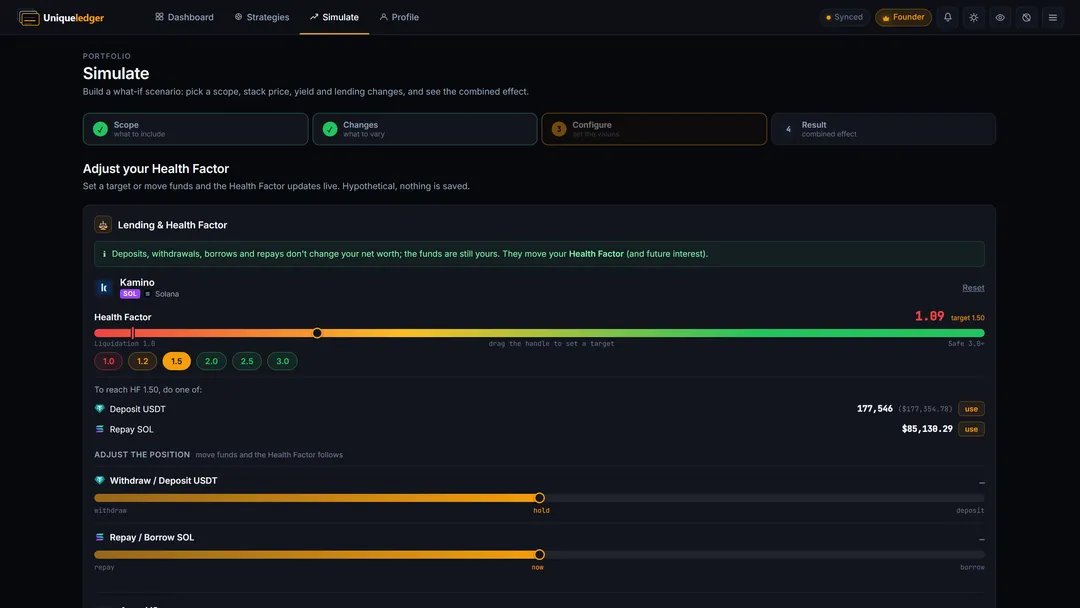
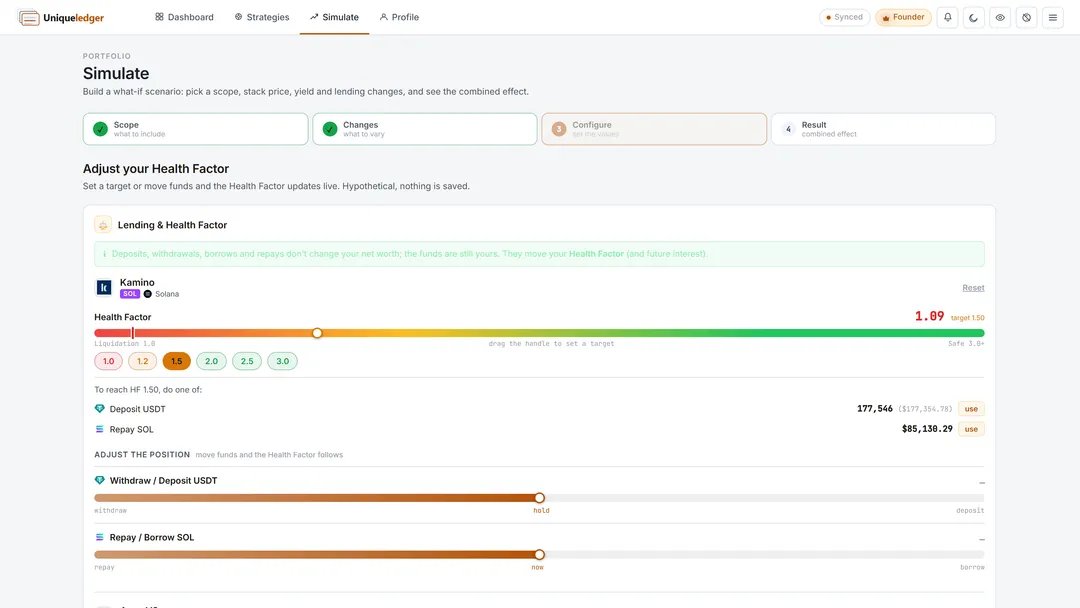
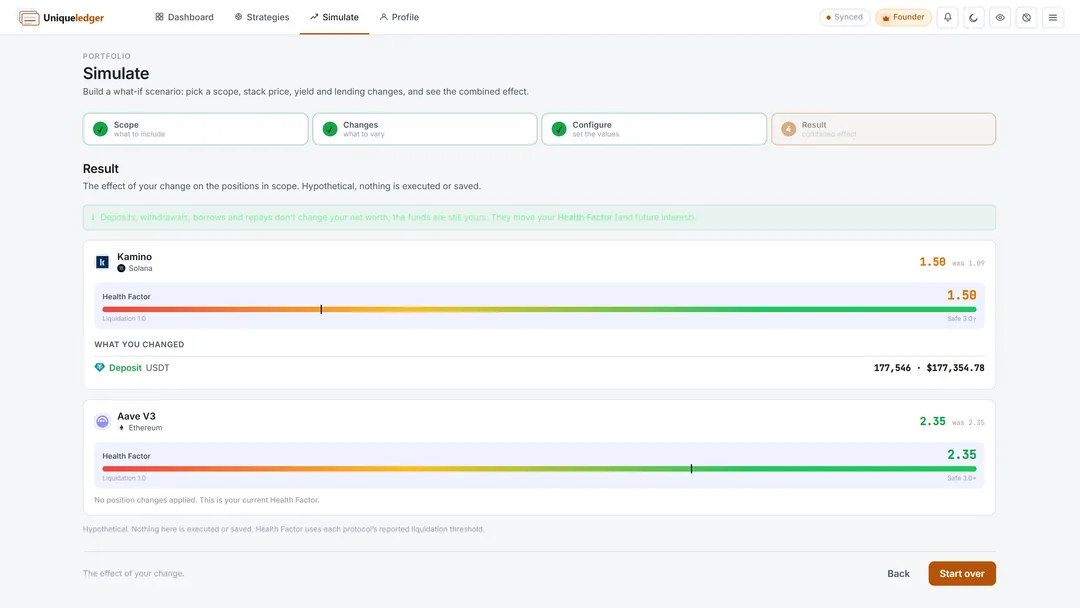
The result shows each lending position with its new Health Factor next to the current one, and a list of the changes you applied.
Ways to use it
- Before a volatile week: run a bear market on the whole portfolio and see how much of your Net Worth is exposed, and in which category.
- Before you borrow more: set the Health Factor you are willing to live with and see how much room you actually have.
- When a position gets tight: pick a safer target and get the exact deposit or repay that gets you there, then act on it in the protocol.
- When rates fall: drop the yield on your pools or lending and see what your monthly income becomes.
Because the scenario runs on your real positions across every chain, you see the effect on what you actually hold, not on a model portfolio. Add the rest of your addresses and run the move against all your wallets in one dashboard.